Arcade Reflex Challenge
Reviews
Arcade Reflex Challenge delivers a pure, engaging experience that tests your reaction speed. The one-button control is intuitive, and the progressive difficulty keeps you coming back for more. It's a great choice for casual gamers looking for a quick mental workout or a fun way to pass time. The family-friendly design ensures everyone can join in.
About This Game
Game Introduction
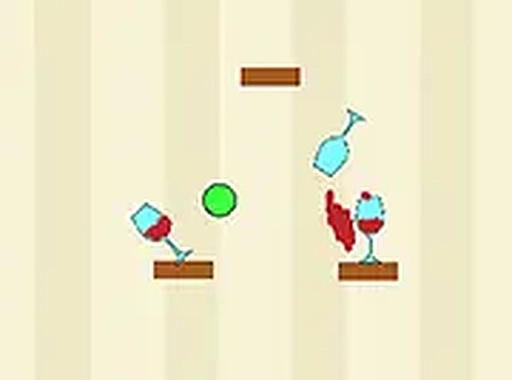
Arcade Reflex Challenge is a casual game that focuses on quick reactions and simple mechanics. The core objective is to respond to on-screen prompts as quickly and accurately as possible to keep the action going. There are no complicated rules or lengthy tutorials, making it easy for anyone to start playing immediately. The game emphasizes timing and hand-eye coordination, offering a gentle learning curve that gradually increases in speed. This makes it a perfect choice for a short break or a longer session of lighthearted entertainment. The game brings a classic arcade experience to your screen with a focus on simplicity and quick reflexes.
How to Play
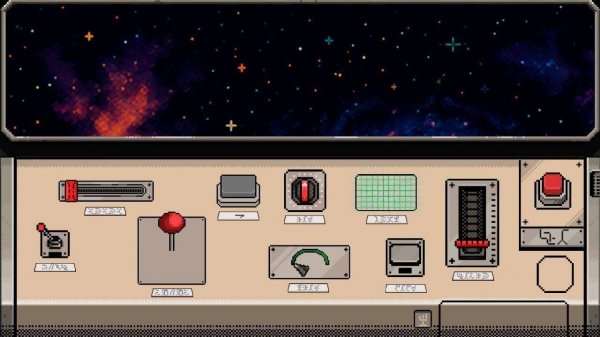
To play Arcade Reflex Challenge, you use your keyboard or touch screen to respond to visual cues that appear on the screen. Each correct action earns points, and the game becomes faster as you progress. The main goal is to keep the chain of successful moves going for as long as possible. No prior experience is needed, so you can jump right in and start having fun. The controls are intuitive, and the feedback is immediate, allowing you to improve your score with each attempt.
Game Features
Simple one-button or tap controls make it easy to pick up and play. Endless gameplay provides a continuous challenge that never repeats, ensuring you always have something new to react to. The family-friendly design ensures a safe and enjoyable experience for players of all ages. Progressive difficulty keeps the game engaging without becoming frustrating, allowing you to gradually improve your skills.
Tips for Success
Focus on staying relaxed and keeping your eyes on the screen to anticipate the next prompt. Practice regularly to improve your reaction time and build muscle memory. Start slowly and try to maintain a steady rhythm rather than rushing, as accuracy is just as important as speed. Taking short breaks between sessions can help you stay sharp and avoid fatigue.
Compatibility
System Requirements